Need help?

support@quayis.com

No products in the cart.

Menu Categories
Sale

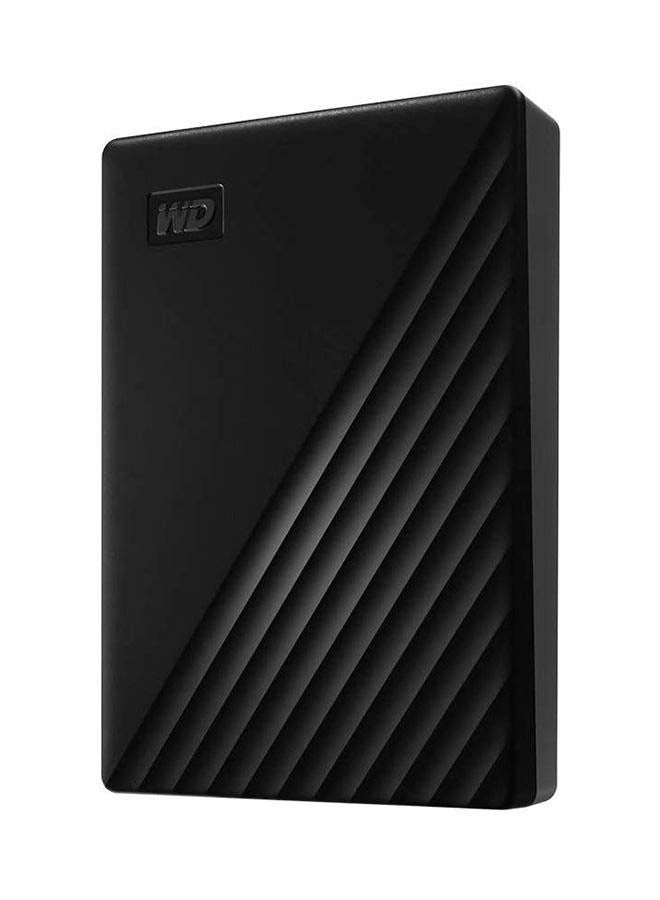
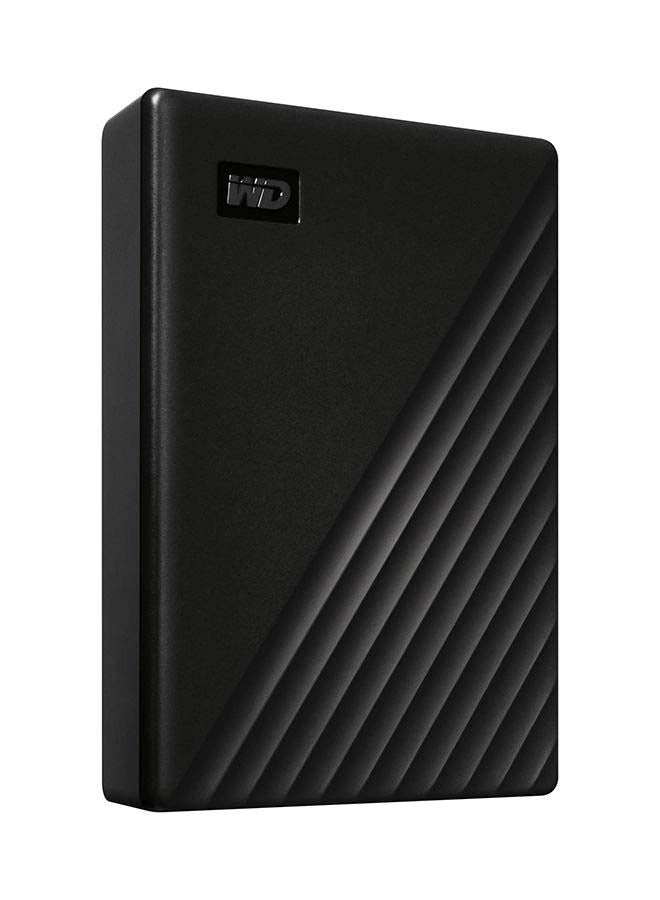
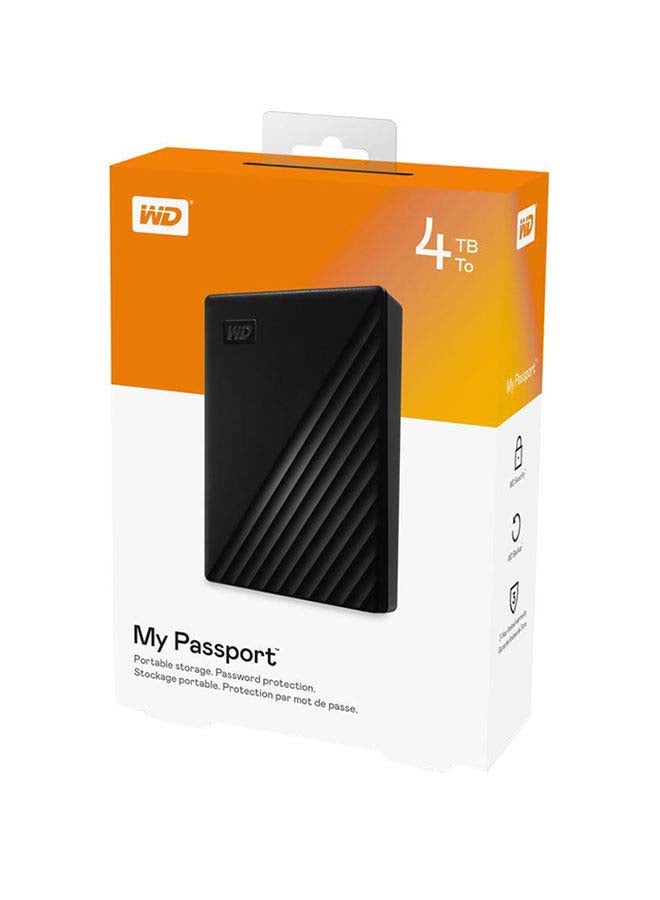
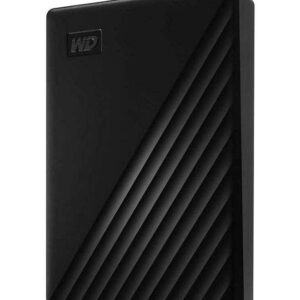
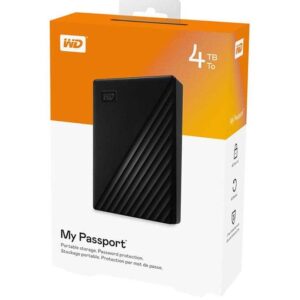
My Passport Portable External Hard Drive, USB 3.0 With Automatic Backup and Software Protection (WDBPKJ0040BBK-WESN) Compatible With PC, PS4 4 TB

View More From:
Brand:
8 people are viewing this product right now

Original price was: د.إ 469.00.Current price is: د.إ 409.00.

Shipping calculated at checkout.

Free Shipping Above 500 AED

or
Estimated delivery:3 days
Model Number: WDBPKJ0040BBK-WESN Categories: , , , , Brand:
Guaranteed safe checkout Pay safely with Visa Pay safely with Master Card Pay safely with Tabby Pay with Tamara
Your Payment is 100% Secure

Highlights

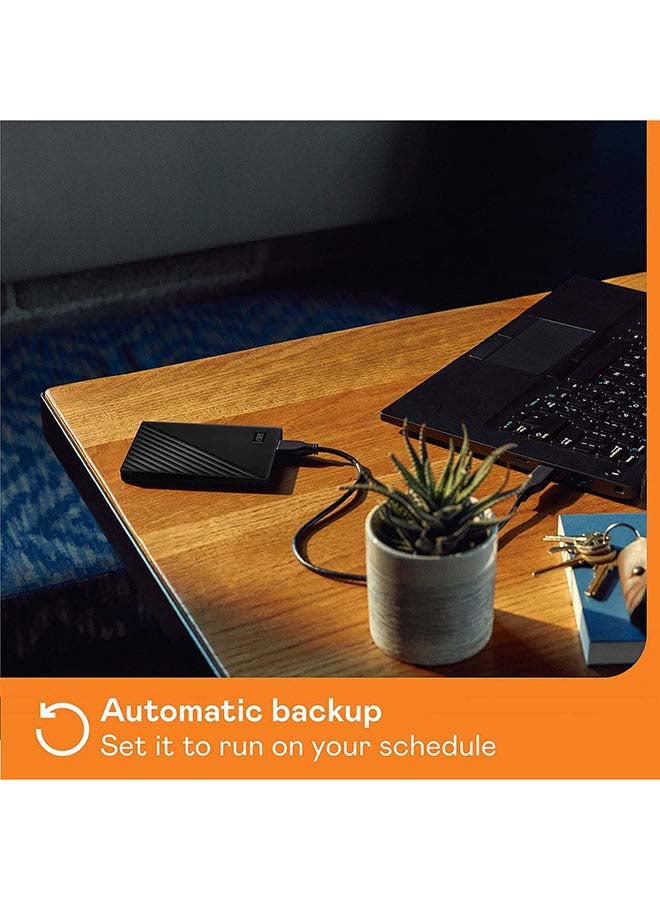
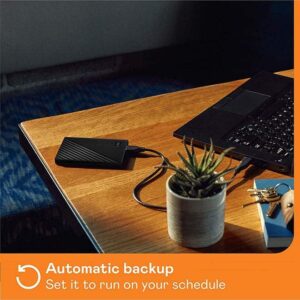
  • Make sure everything you create while on your own life journey – photos, videos, music, and documents – doesn’t get lost. The My Passport drive comes equipped with WD Backup software that can be set to run automatically to your schedule.
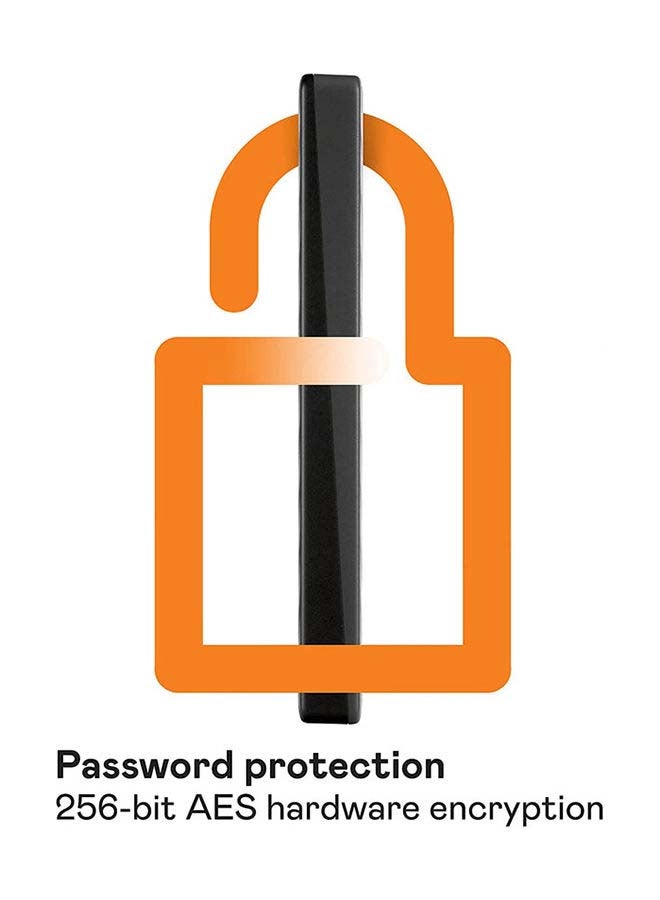
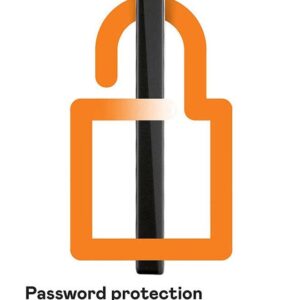
  • Keep your digital life’s contents secure with My Passport password protection and built-in 256-bit AES hardware encryption. Just activate password protection and set your own personalized password using WD Discovery.
  • There’s no telling what’s ahead in your own journey. That’s why WD builds drives to demanding requirements for durability and long-term reliability.
  • The My Passport drive will work in sync with your Chromebook – it has been tested and certified. Easily add extra storage to store more and work from anywhere.
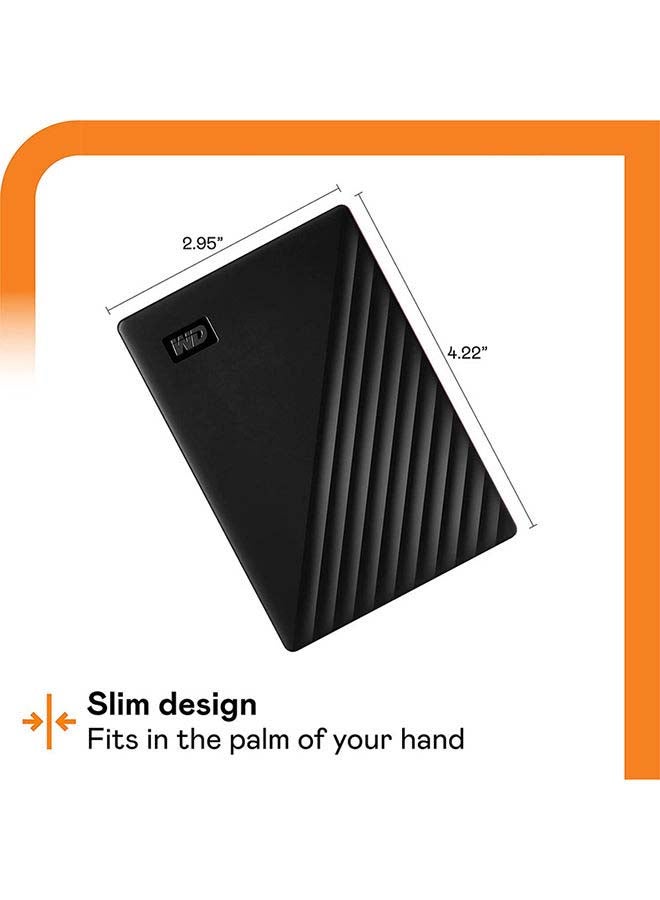
  • Make the most of your journey with style that suits you. The new My Passport has been redesigned to feature a convenient, slim form factor and is available in a range of vibrant colors.
  • Western Digital Discovery software for Western Digital backup, password protection and drive management
  • The Western Digital My Passport 4 TB Hard Disk Drive serves you with perfect storage for storing all your data

Overview

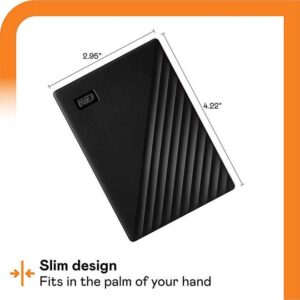
A portable Hard disk drive is used for transport as well as backup and additional storage. It is connected to a computer on the outside rather than on the inside. The Western Digital My Passport 4 TB Hard Disk Drive serves you with perfect storage for storing all your data. Perfect Usage The Western Digital My Passport 4 TB Hard Disk Drive protect your contents and secure it with My Passport password protection and built-in 256-bit AES hardware encryption. Just activate password protection and set your own personalized password using WD Discovery. It comes with with Super Speed USB, you can quickly start backing up everything in your life and keep driving forward. You can seamlessly import, organize, and share your photos, videos, and docs to the My Passport drive to backup your online social life with the help of WD Discovery. It provides you with 4 TB storage. It is compatible with Windows 10 or Windows 8.1 operating systems. Requires reformatting for other operating systems. It also comes equipped with WD Backup software that can be set to run automatically to your schedule. Awesome Design The Western Digital My Passport 4 TB Hard Disk Drive is equipped in a stylish design that fits in the palm of your hand, there’s space to store, organize, and share your photos, videos, music, and documents. Perfectly paired with WD Backup software and password protection, the My Passport drive helps keep your digital life’s contents safe. It has been redesigned to feature a convenient, slim form factor. It has USB 3.2 Gen 1 interface.

, Compatible Devices – Laptop/Desktops
Specifications

Product Weight 210 g
Colour Name Black
Connection Type USB
Product Length 10.72 cm
Product Height 1.91 cm
Product Width/Depth 7.49 cm
HDD Storage Capacity 4 TB & More
What’s In The Box External Hard Drives
USB Generation USB 3.0
Connector Type USB
Storage Capacity 4 TB
Model Number WDBPKJ0040BBK-WESN
Model Name WDBPKJ0040BBK-WESN
Item Quantity 1

Reviews

There are no reviews yet.

Be the first to review “My Passport Portable External Hard Drive, USB 3.0 With Automatic Backup and Software Protection (WDBPKJ0040BBK-WESN) Compatible With PC, PS4 4 TB”

Your email address will not be published. Required fields are marked

You have to be logged in to be able to add photos to your review.

You may add any content here from XStore Control Panel->Sales booster->Request a quote->Ask a question notification

At sem a enim eu vulputate nullam convallis Iaculis vitae odio faucibus adipiscing urna.

Ask an expert