

Need help?

support@quayis.com

No products in the cart.

Menu Categories
Sale

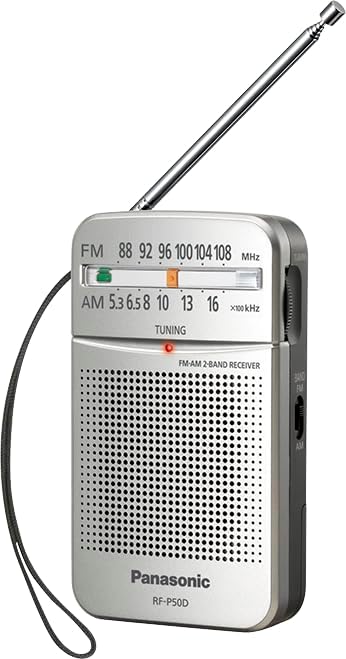
Panasonic RF-P50d Pocket AM/FM Radio Silver RF-P50D

View More From:
Brand:
25 people are viewing this product right now

Original price was: د.إ 69.00.Current price is: د.إ 64.00.

Shipping calculated at checkout.

Free Shipping Above 500 AED

or

3 in stock

Estimated delivery:4 days
Categories: Brand:
Guaranteed safe checkout Pay safely with Visa Pay safely with Master Card Pay safely with Tabby Pay with Tamara
Your Payment is 100% Secure

Enjoy high-quality sound on the go with the Panasonic RF-P50D Pocket AM/FM Radio. With its compact and portable design, this radio is perfect for anyone who loves to listen to their favorite stations while commuting, traveling, or simply relaxing at home. Featuring a sleek silver finish, the RF-P50D combines style with functionality, making it a practical addition to your daily essentials.

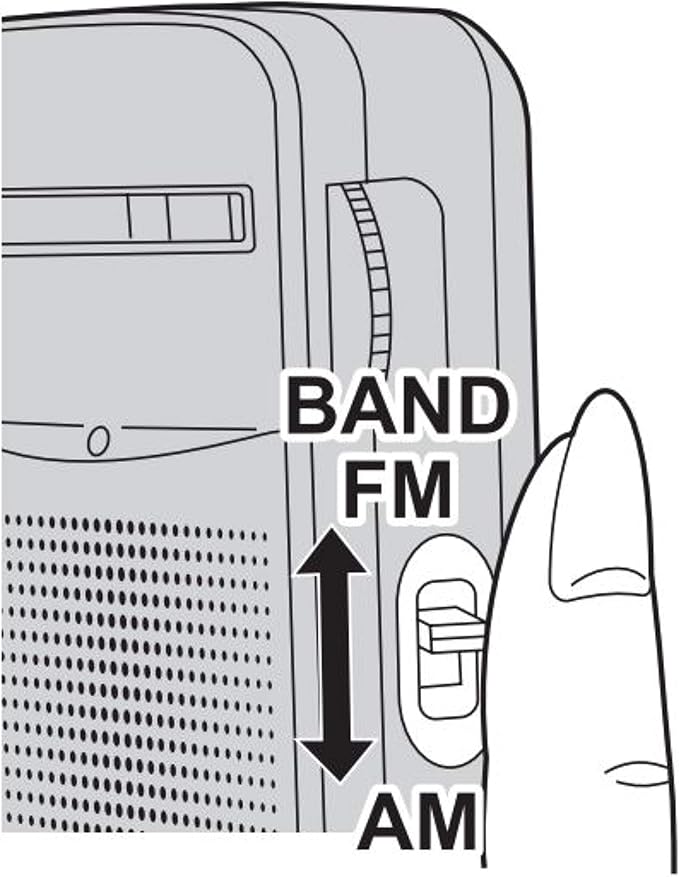
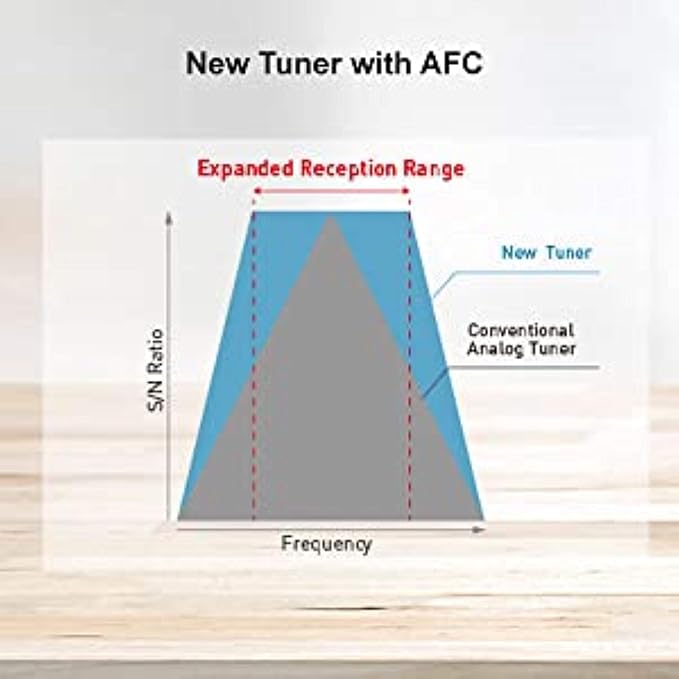
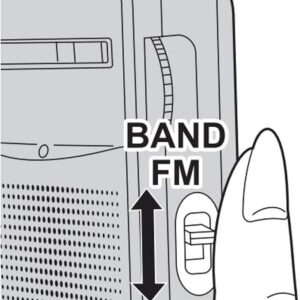
The RF-P50D offers both AM and FM bands, allowing you to tune into a wide range of stations. It features an easy-to-use analog dial, making tuning a breeze, even in low-light conditions, thanks to the luminous pointer. The automatic frequency control (AFC) ensures stable and clear reception, so you can enjoy uninterrupted listening wherever you are.

Weighing just 111g and measuring 69.5 x 117.4 x 29.7 mm, this pocket-sized radio is lightweight and portable, fitting easily into your bag or pocket. Powered by 2 AA batteries (not included), the radio provides long hours of listening enjoyment, making it ideal for on-the-go entertainment.

For private listening, the RF-P50D includes a 3.5mm headphone jack, ensuring you can enjoy your favorite stations without disturbing others. Whether you’re tuning into news, music, or talk shows, the Panasonic RF-P50D Pocket Radio delivers a fantastic listening experience.

Reviews

There are no reviews yet.

Be the first to review “Panasonic RF-P50d Pocket AM/FM Radio Silver RF-P50D”

Your email address will not be published. Required fields are marked

You have to be logged in to be able to add photos to your review.

3 in stock

You may add any content here from XStore Control Panel->Sales booster->Request a quote->Ask a question notification

At sem a enim eu vulputate nullam convallis Iaculis vitae odio faucibus adipiscing urna.

Ask an expert